TABLE OF CONTENTS
This guide explains how to create and add custom disclaimers to your website forms.
Guided Tour
Step by Step
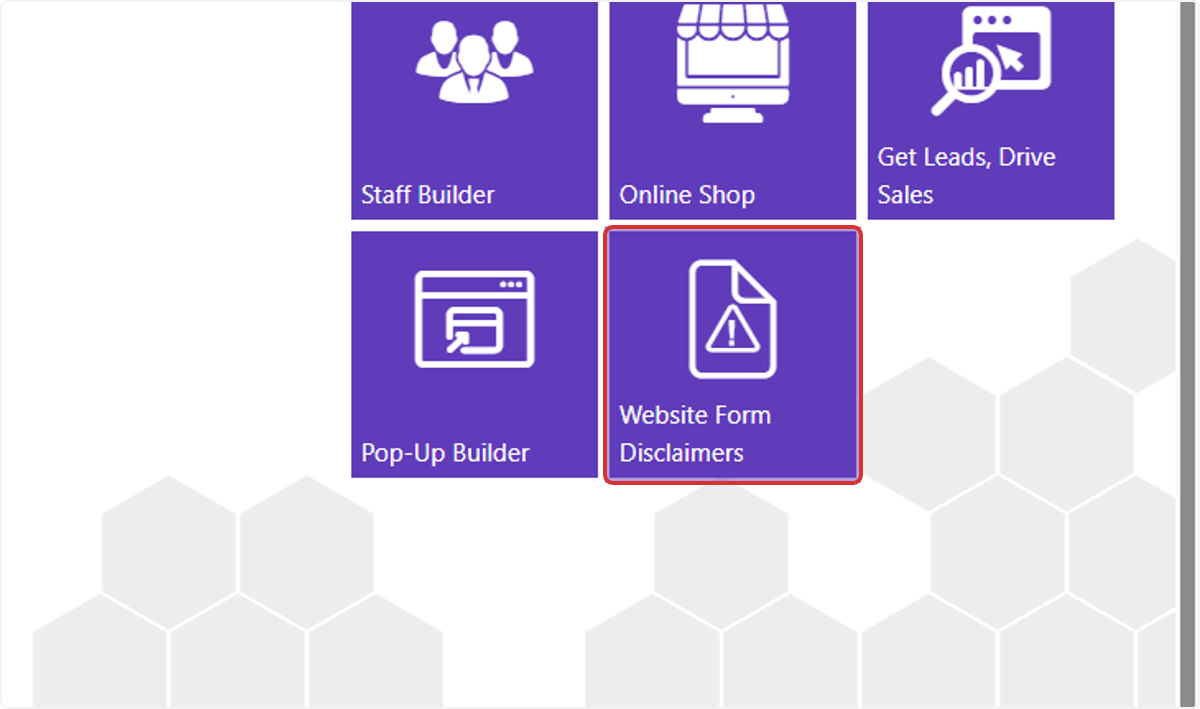
1. From the dashboard, click on Website Form Disclaimers
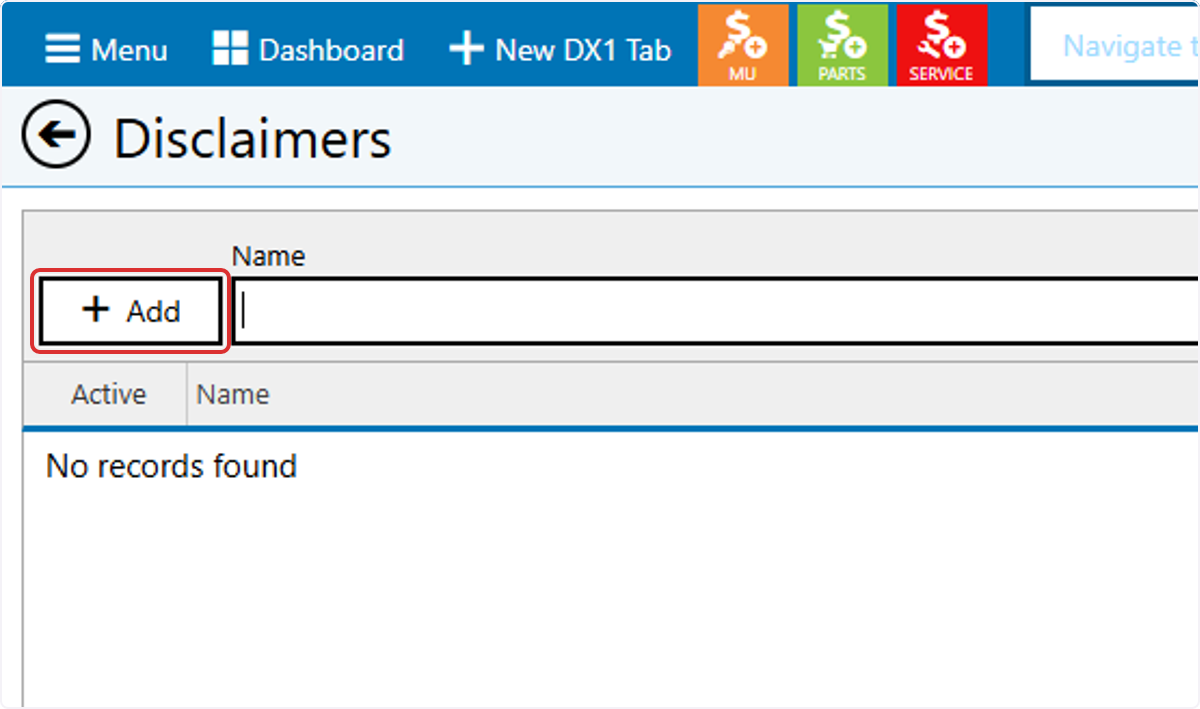
2. To add a new disclaimer, click +Add
3. Enter a name for the disclaimer. This will not be shown publicly.
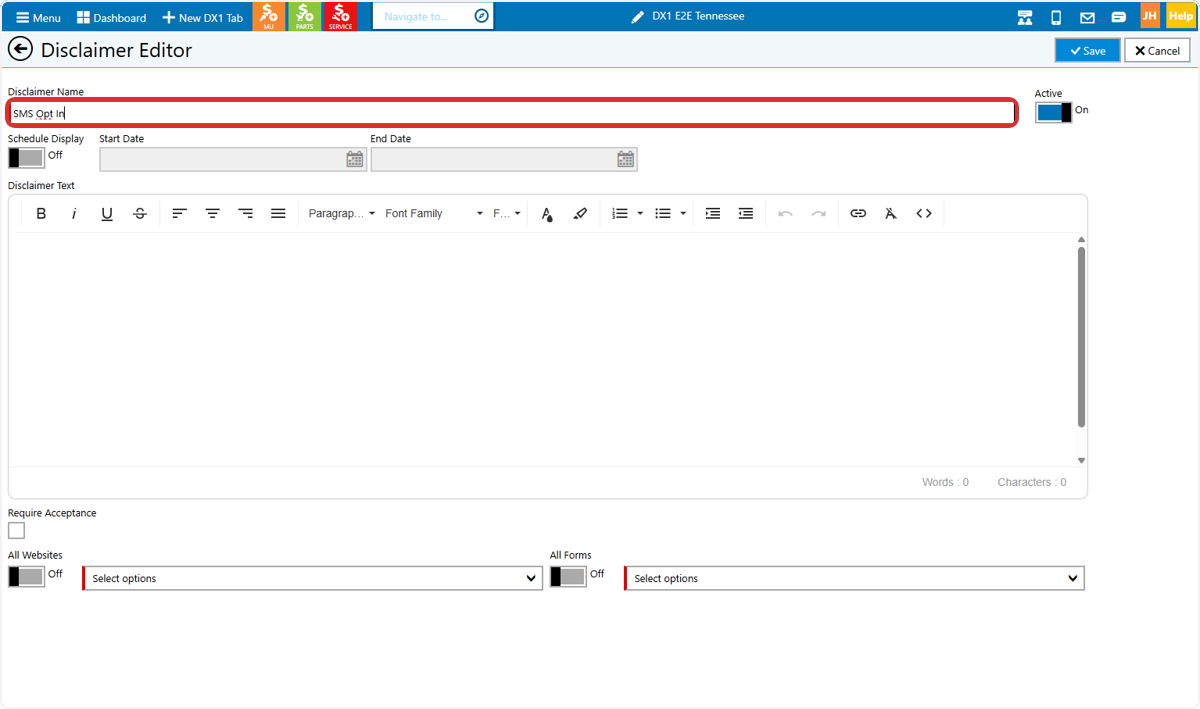
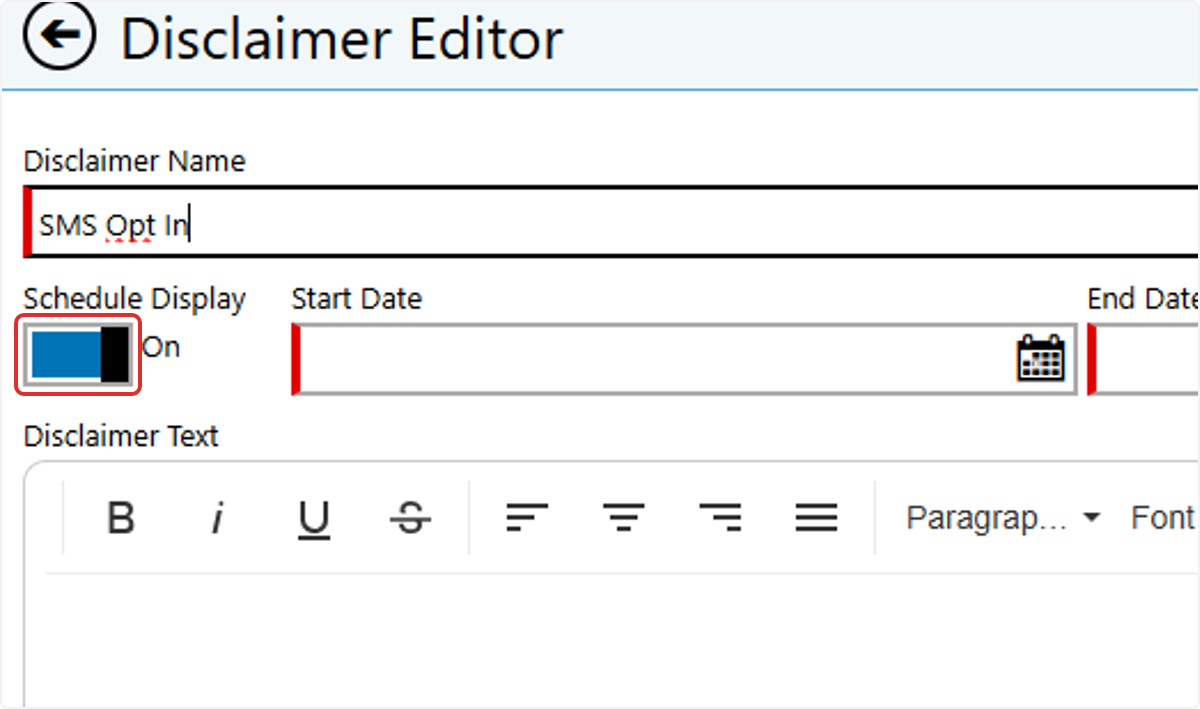
4. If you'd like to set a schedule for the disclaimer, toggle Schedule Display to ON and entera Start Date and End Date
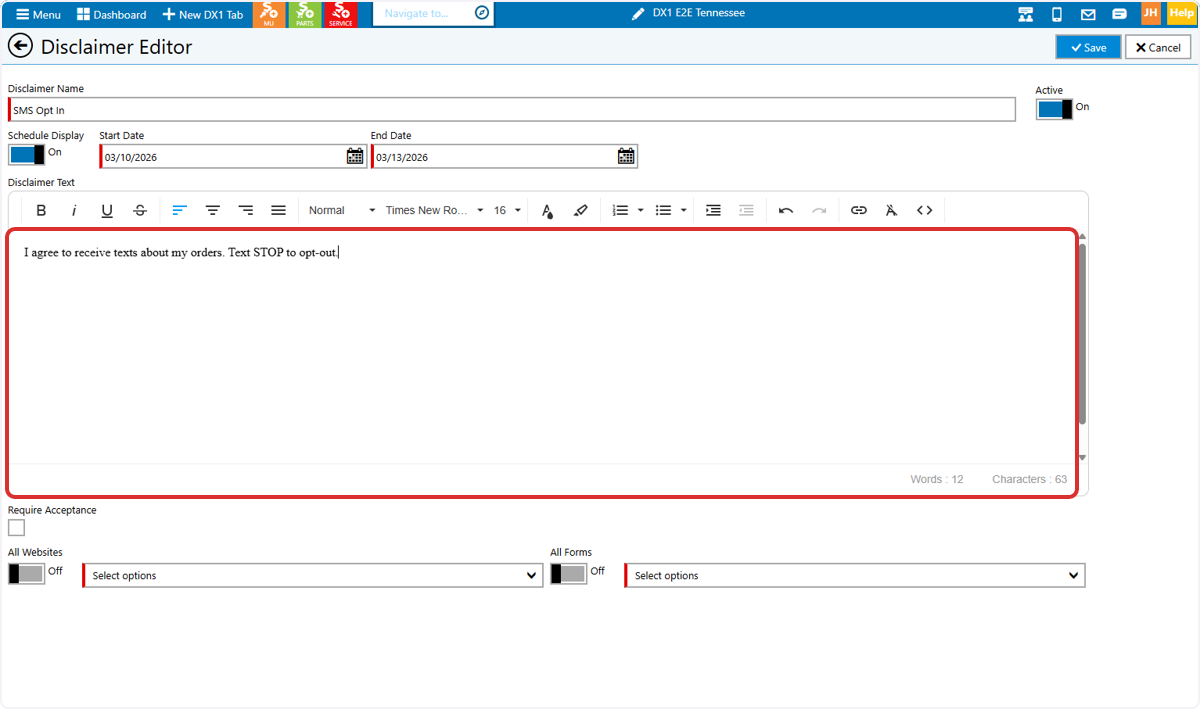
5. Enter the disclaimer content\ in the text box
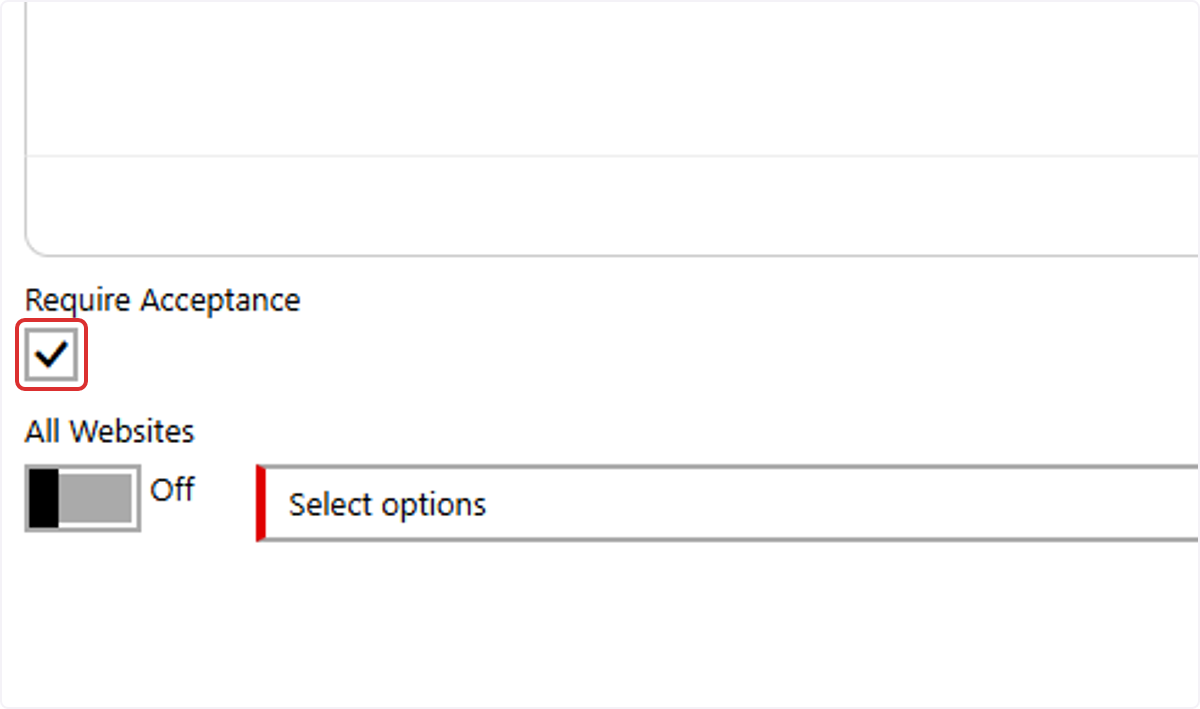
6. If you would like to force visitors to accept the terms before submitting your form(s), check the Require Acceptance checkbox.
7. Select ALL Websites or specific websites where the disclaimer will appear.
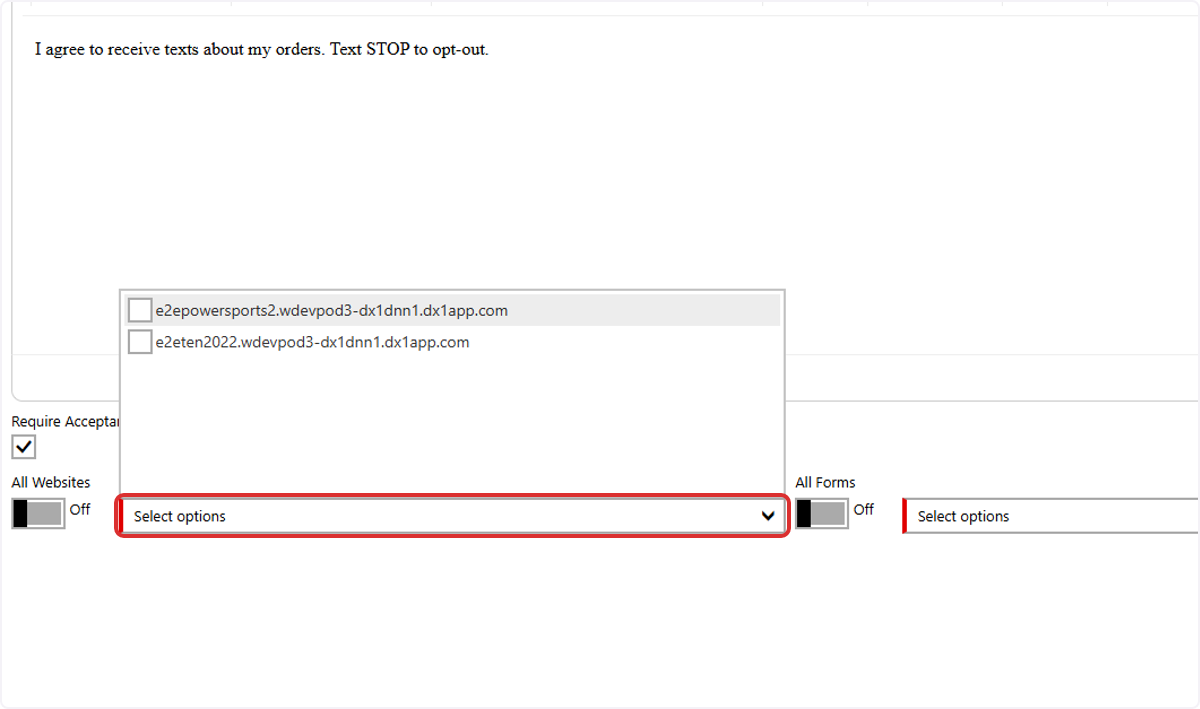
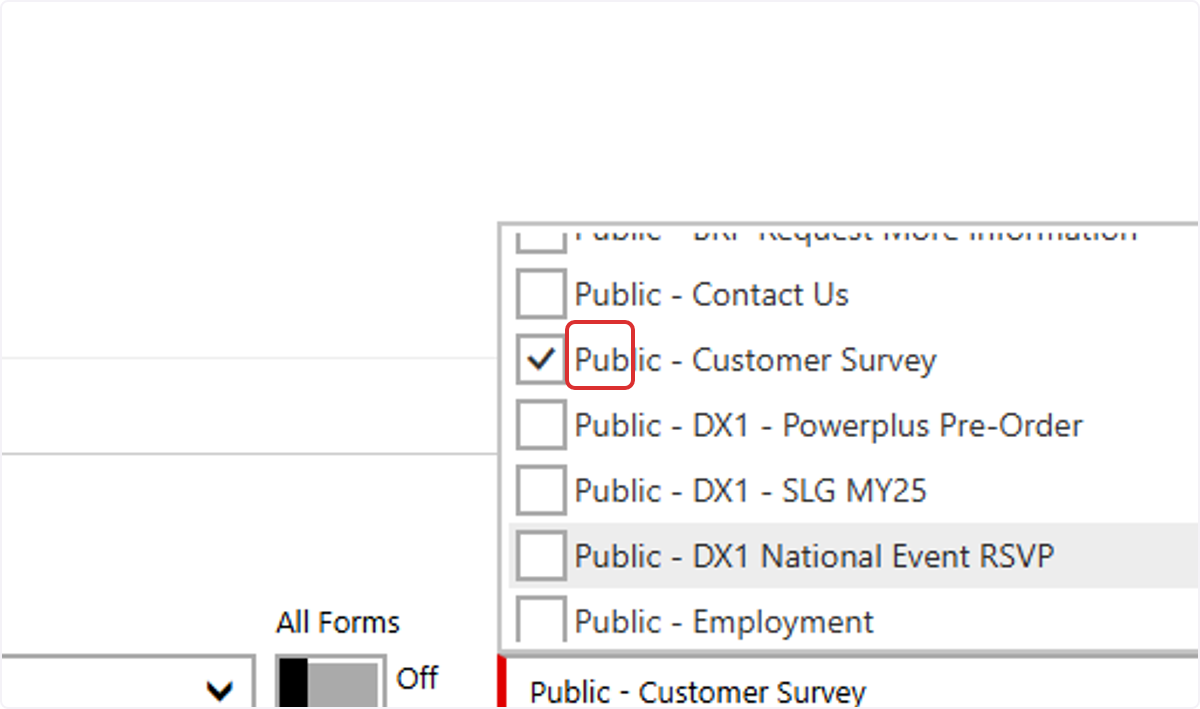
8. Select ALL forms or specific forms where the disclaimer will be displayed.
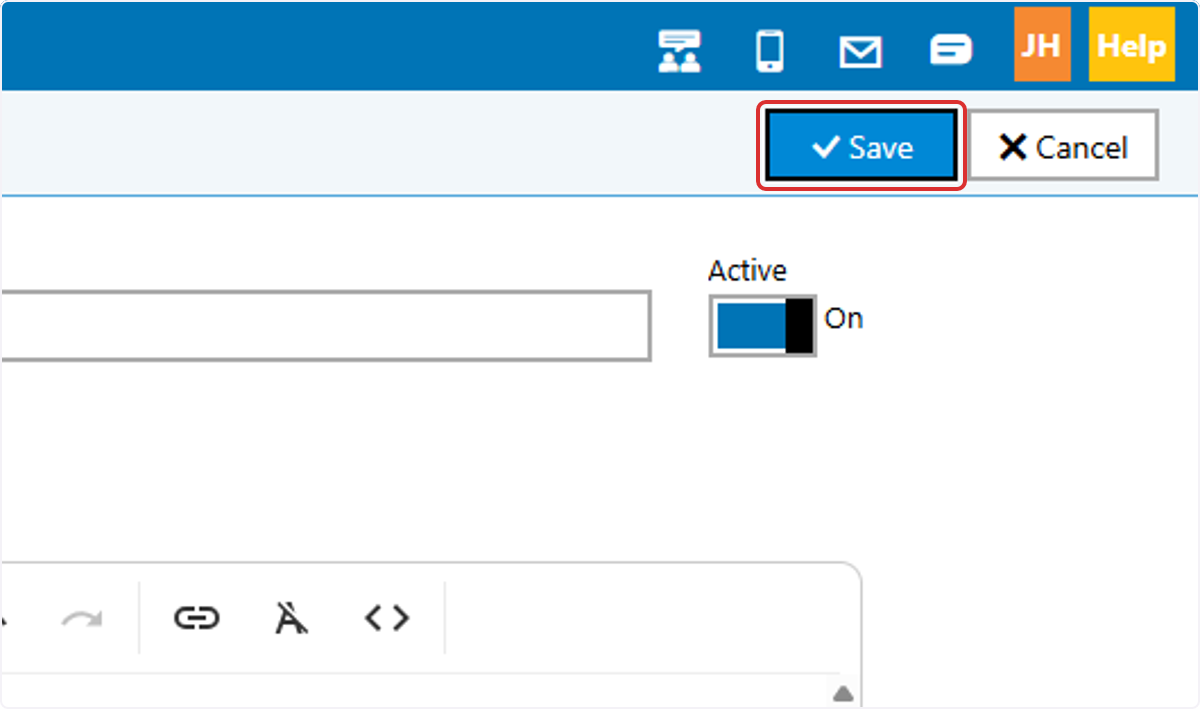
9. Click on Save. Your disclaimer will appear immediately.